
Preview and apply interfund offsets
Balance a saved Nonprofit journal across funds using explicit due-to and due-from lines.
- Who can do this
- Owners, or people with View journal entries and Preview and apply interfund offsets
- Where
- Books, then Journal entries
- You'll need
- Advanced accounting turned on in Features; an ordinary Nonprofit draft, approved mappings and an active Operating fund
On this page
Review the saved draft
- Save all changes to the journal.
- Under Books, open Journal entries.
- Open the draft and select Preview interfund offsets.
- Review each proposed pair of funds and its amount.
- Select Apply offsets to saved draft if the pairs match the intended transaction.
- Review the added lines before posting the journal separately.
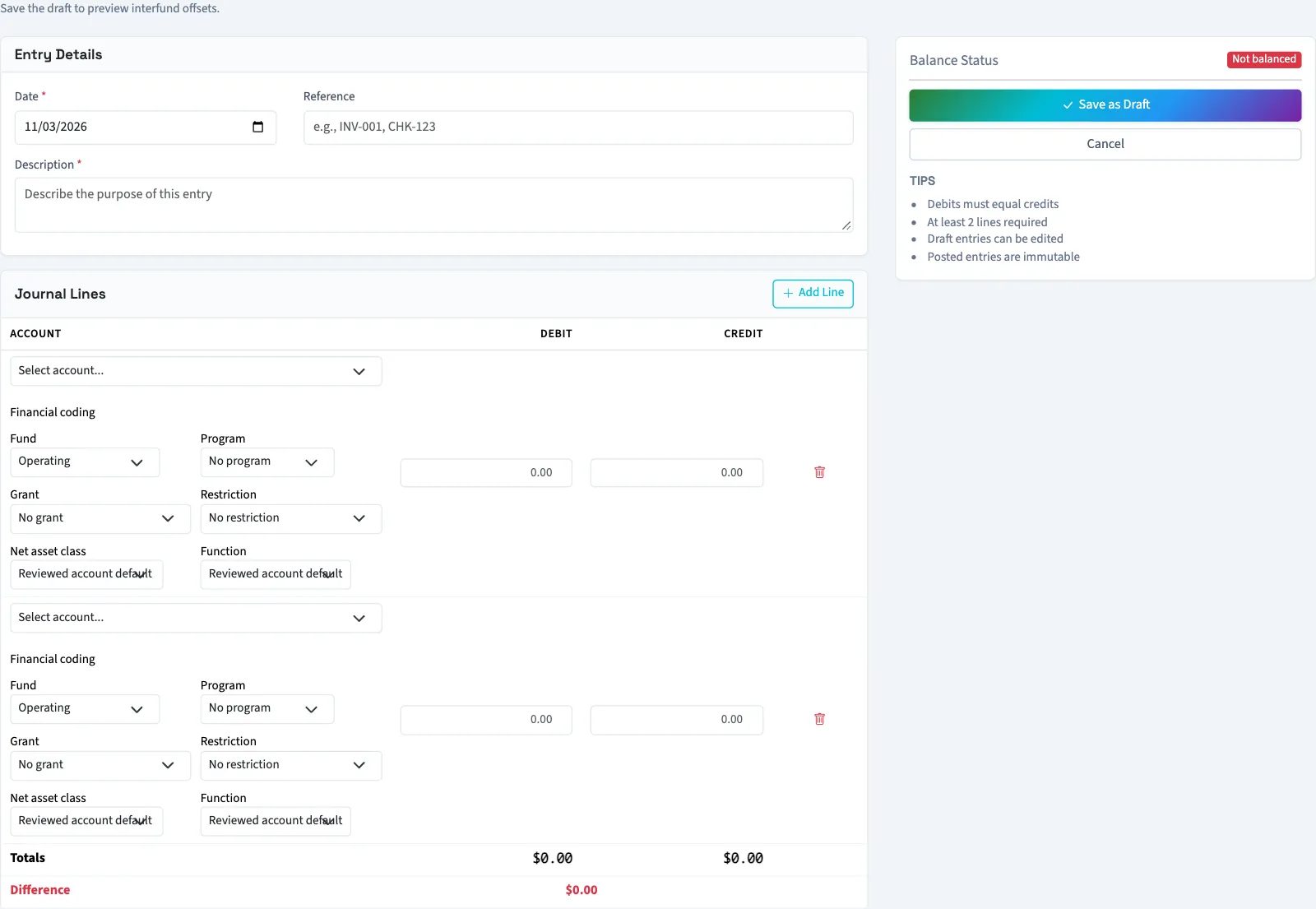
Preview reads the saved draft, so unsaved edits are not included. Applying recalculates from the current saved lines. It does not post the journal or transfer cash.
Every line needs an active fund, and the whole draft must balance before offsets can be calculated. If each fund already balances, the preview reports Every fund is balanced. No offsets are needed.
Next, review the fund trial balance.
Good to know
Use interfund offsets when a journal's total debits equal its total credits but individual funds do not balance. The action adds explicit due-to and due-from lines to a saved draft.
Who can do this and what you need
You need View journal entries permission and the Preview and apply interfund offsets permission. Creating or editing the draft and posting it use separate journal permissions. Account mappings must be approved, including active due-to liability and due-from asset accounts. The Operating fund must be active, and the business needs an accessible active or trial Nonprofit subscription.
If Journal entries isn't in the sidebar, someone with settings access can turn on Advanced accounting in Features.
Only an ordinary Nonprofit draft qualifies. Posted journals, reversals, and year-end closing entries cannot receive these offsets.