
Work with sales tax
Find tax rates, groups, filing records and reports, and understand how they connect.
- Who can do this
- Owners, or people with Manage business settings, roles & permissions
- Where
- Tax, then Sales tax
- You'll need
- Tax turned on in Features
On this page
Open Tax, then Sales tax to manage individual rates and the groups used on invoice lines. The page also shows your ten most recent filing periods, overdue open periods and open periods due within 30 days.
You need Manage business settings, roles & permissions to use this page. Owners have that permission. Other people need it assigned. If the Tax menu is hidden, a person with settings access can open Settings, then Features, and turn on Tax.
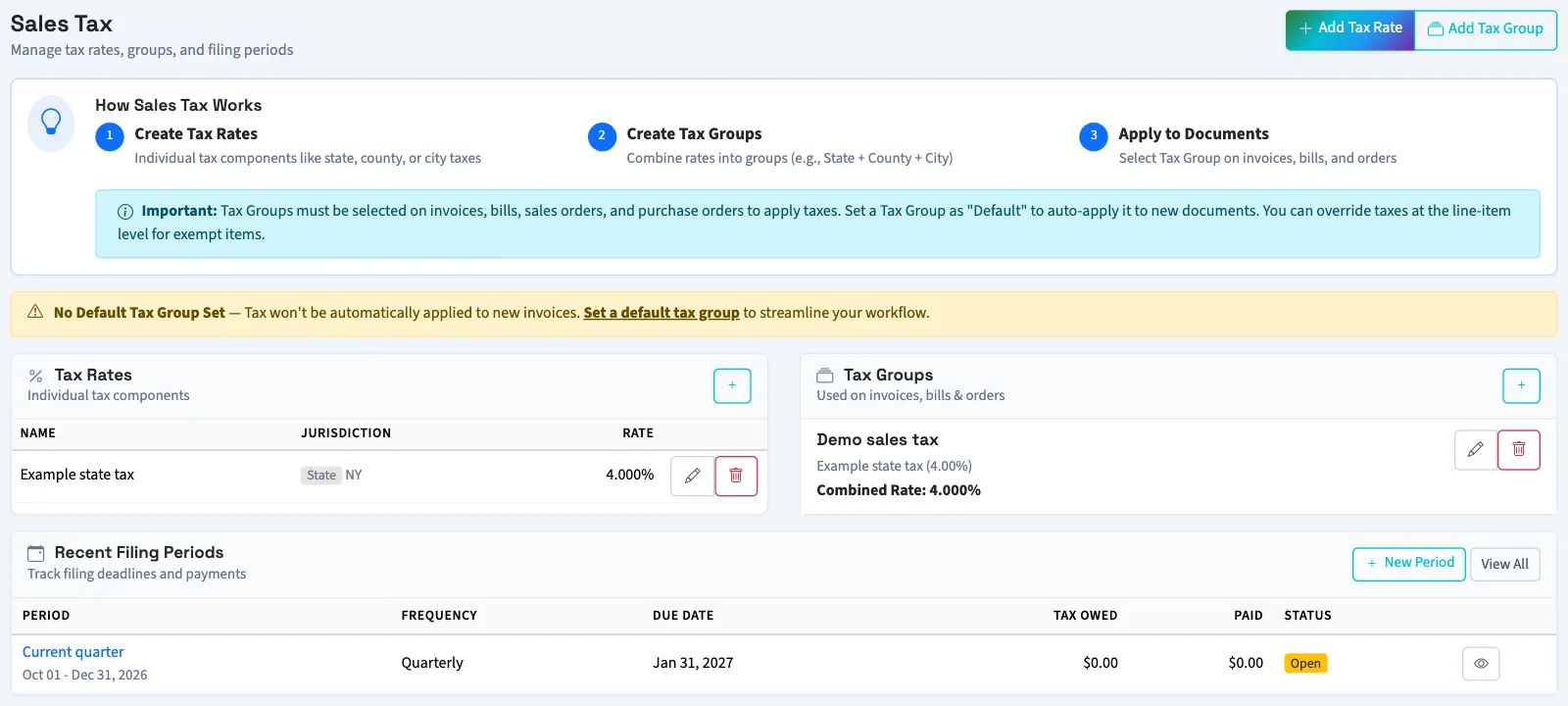
Understand the parts
Create tax rates first, then combine them into tax groups. Select a group on each relevant invoice line. Bills use a manually entered tax amount.
Filing periods hold dates, amounts and filing status. They have these statuses:
| Status | What it means in QixCount |
|---|---|
| Open | The record starts here. Editing its amounts leaves this status unchanged. An open period can become overdue based on its due date. |
| Filed | Someone marked the record filed. QixCount saved the date and optional reference. |
| Paid | Recorded payments reached or exceeded the amount entered as owed. |
The separate tax liability, tax summary and jurisdiction reports summarize recorded tax activity. Filing amounts are entered separately; creating a filing period does not calculate a return or submit it.