
Find and save a setting
Find a setting, understand access, and save changes in your business workspace.
- Who can do this
- Owners, or people with Manage business settings, roles & permissions
- Where
- Settings
On this page
Settings brings together your business details, accounting choices, document appearance, access and billing. The overview shows current values beside the pages you can open. A missing menu row can reflect your permissions, edition or a feature that is off.
Find a setting
- Select Settings in the workspace navigation.
- Enter a word in Find a setting, such as logo, reminder or currency.
- Select a result to open its settings page.
Search shows up to seven matching settings available to you. Clear the search to return to the settings navigation. Use the down arrow to focus the first result, or Escape to clear the search.
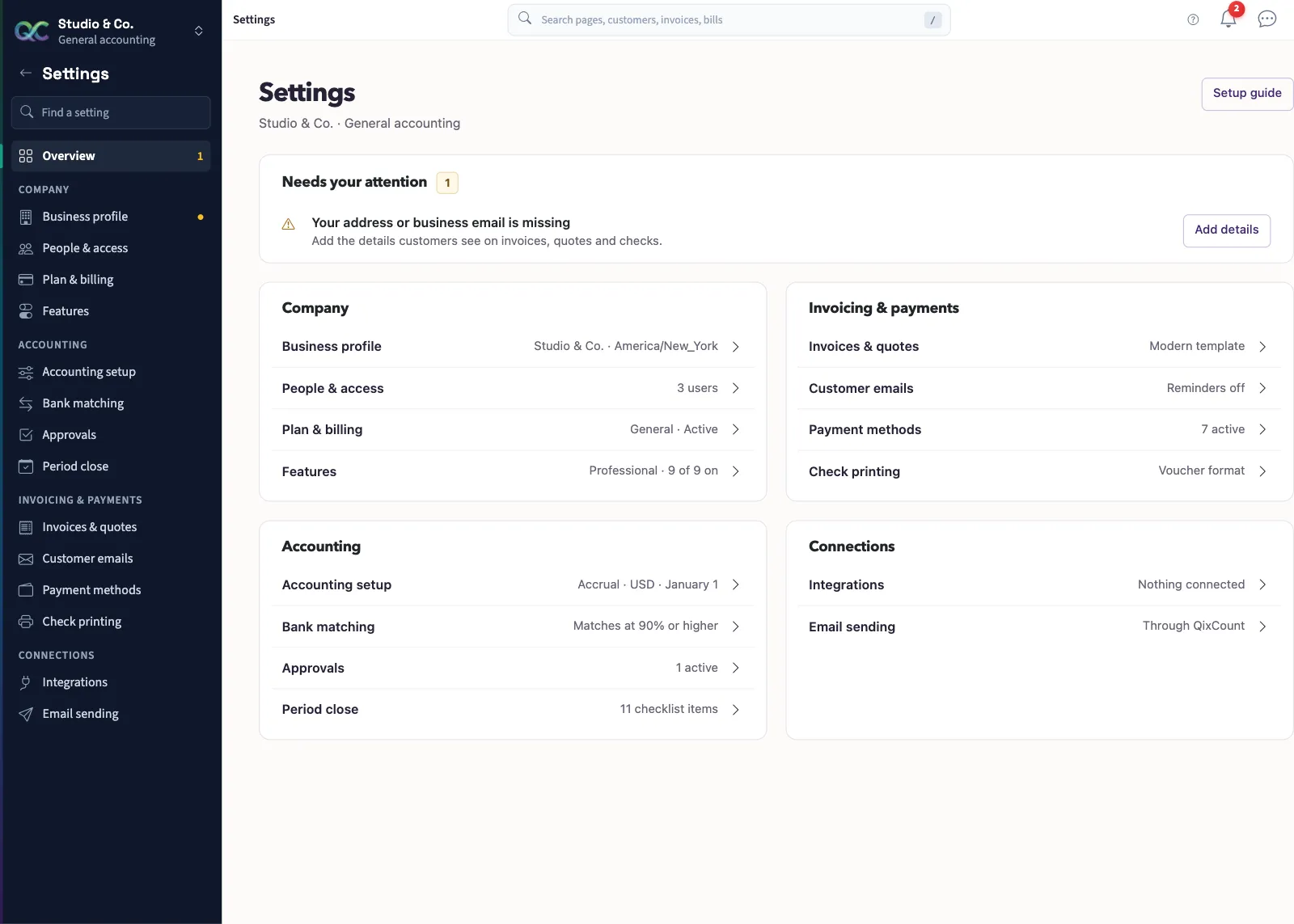
The overview may show Needs your attention for missing contact details, a trial nearing its end or an unconfirmed Nonprofit legal identity. Select the action beside the message to reach that task.
Save an edit
On pages with a save bar, changing a field reveals Unsaved changes. Select Save changes to keep the edits or Discard to restore the saved values. Other forms have their own submit button. Changing tabs can leave unsaved edits behind; respond to the leave-page message before continuing.
Check access
Business profile, email sending, people and billing pages require business owner access. Accounting setup and most accounting settings require the Manage business settings, roles & permissions permission. Bank matching requires Perform reconciliation permission. Search does not grant access to a hidden page.
Start with Edit your business profile, then Check your accounting setup.