
Understand bank review statuses
Read the six status markers, suggestion reasons, money-in questions and proposed pairs.
- Who can do this
- Owners, or people with View reconciliations; decisions need Edit bank transactions
- Where
- Banking, then Bank transactions
- You'll need
- General or Nonprofit; Plaid, CSV or manually entered bank lines
On this page
Read the status and reason
- Open Banking, then Bank transactions, and select For review.
- Select a status chip to filter the list.
- Open a line for Why this suggestion.
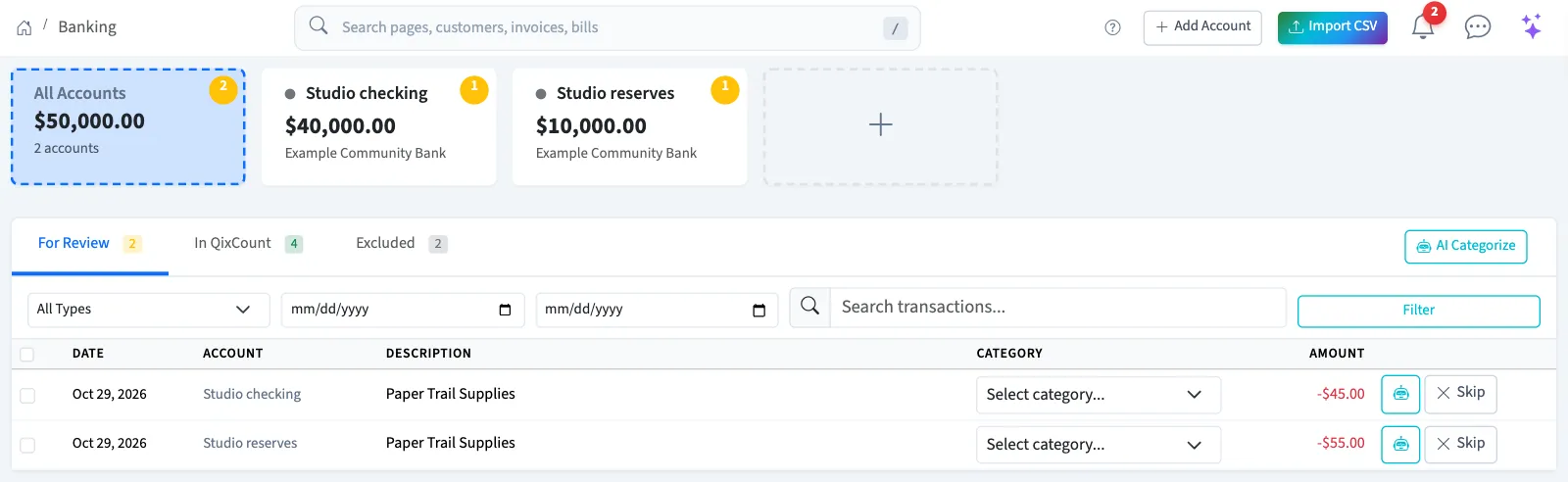
Each category shows a word and marker as well as color.
| Status | Color and marker | Meaning |
|---|---|---|
| Sure | Green, filled circle | A rule, proposed pair, exact document match or consistent posted history supports it. |
| Likely | Purple, diamond | AI confidence is at least 80%. After 20 human AI decisions, at least 90% must have been accepted unchanged in the last 90 days. Undone decisions do not count. |
| Check | Amber, triangle | A lower-confidence AI suggestion, bank-category mapping or unanswered money-in question needs checking. |
| Flagged | Red, square and tinted row | A possible duplicate, unusual amount, price rise or large new merchant needs review. The proposed category is kept. If a possible duplicate isn't one, select Not a duplicate in the side panel; the flag stays cleared after later suggestion updates. |
| Needs a category | Neutral, dashed ring | No suggested category is available. |
| Your choice | Purple, open square | You chose a category or split, but have not posted it. This status takes precedence over flags; check the reason too. |
Reasons can name your rule, the other account in a pair, a matched document, your history, AI or the bank's category. Rules take priority, then pairs and matches, history, AI and bank mappings. History needs at least three postings of that merchant in the last 12 months, all to one account with consistent coding and no splits. See flag thresholds.
Use Check and post
- Set the account, search, date, type and status filters you want.
- Select the Check and post button with its count.
- Review the summary before confirming.
It covers filtered Sure lines across pages, up to 500. It rechecks each line, holds flags and unanswered questions, and reports posted and held-back counts. A pair can post one journal for both sides; a hand-entry pair confirms an existing entry instead of creating a journal. Review the pairs in the summary too.
Answer the money-in question
What is this money? appears for unexplained money in, including interest. A rule, pair, exact match, consistent history or explicit bank-category mapping can cover it instead. An AI suggestion alone does not answer it.
Choose owner money (General only), a loan, customer payment, refund or something else; Nonprofit also offers a gift or grant payment. A loan needs an active liability account; a refund needs an active expense account. Customer payment opens Find and match. Choosing a category yourself also answers the question. Posting remains blocked until it is answered.
Check proposed pairs
Transfer and card-payment proposals use equal amounts on opposite sides of different accounts within three days. Check both accounts and dates. Posting records one shared journal; nothing merges silently. Not a pair rejects the proposal.
A hand-entry proposal uses a posted entry on the same bank ledger, with the same net amount and side within three days. Confirm pair with your entry links it without a new journal. Not a pair leaves it for another choice. Correct posted lines through their owning record.