
Pay a subscription invoice
Find subscription invoices, choose an available payment method and check whether payment is confirmed.
- Who can do this
- Business owners, or people with an eligible invoice payment link
- You'll need
- A payment link to a positive, unpaid invoice in a payable status, an available payment method, and current terms for a capacity invoice
On this page
Subscription invoices pay for QixCount. They are separate from invoices you send to customers. The payment page uses a public invoice link, so you can complete payment without opening the business's books.
Choose a payment method
- Open the invoice payment link.
- Review Amount Due, the due date and any line items.
- Select Card or PayPal, if both choices appear.
- For a card payment, enter Card Details and select the payment button showing the invoice amount.
- For PayPal, select Pay with PayPal and complete the steps there.
Only configured payment methods appear. If payment is temporarily unavailable, contact support. The billing page has no control to save, replace or remove a subscription payment method; choose from the methods offered for the invoice.
Check the result
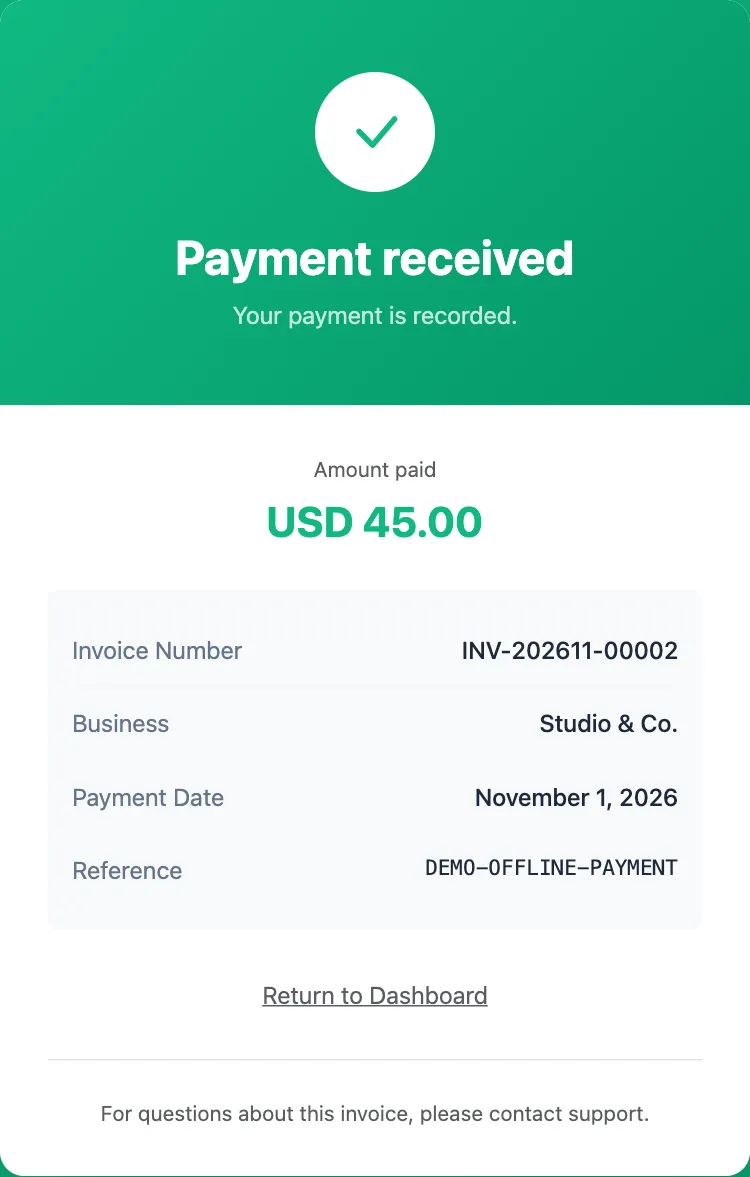
Payment received means payment is recorded. A receipt link appears as Download Receipt only when a receipt file is available. A verified regular subscription payment activates or extends the subscription. A user-capacity payment applies that capacity change instead.
Payment not confirmed is not confirmation of payment. If payment was taken but is not recorded, contact support with the invoice number.
Payment received — review required means a capacity payment arrived after its period or terms changed. The payment is recorded, but the extra places were not activated. Contact support for review.
Only unpaid, positive-amount invoices in a payable status can be paid online. A stale capacity invoice can also be unavailable. Contact support rather than paying a different invoice to resolve it.
Continue with Change user places, or When a subscription ends or is suspended if access remains blocked.
If access stopped because the subscription expired, an owner can open billing from the suspension screen. Other suspension reasons need support review. See When a subscription ends or is suspended.
Good to know
Find an invoice
A business owner can view the latest 30 invoices in Settings, then Plan & billing. Under Invoices, check the invoice number, amount and status. Select View and pay when available.
If the business cannot be entered, its card in the business list may offer Pay subscription. You can also open an invoice payment link you already have.
An invoice marked Included in firm invoice is paid through the firm's combined invoice. It cannot be paid individually.
| Invoice status | Online payment |
|---|---|
| Pending, Sent or Failed | Available when the amount is positive and the invoice is otherwise eligible. |
| Paid | Payment is already recorded. |
| Draft, Void or Refunded | Unavailable. |